Program Rosie from your PC.
Open source offline programming for Rosie, part of RosieOS under Apache 2.0. Teach waypoints and build any program you like from MoveJ, MoveL and MoveC moves, dwells, I/O and Home, row by row in one spreadsheet. Simulate it, then run it on the cell or the pendant. For welding, pick the welds straight from the part's CAD.
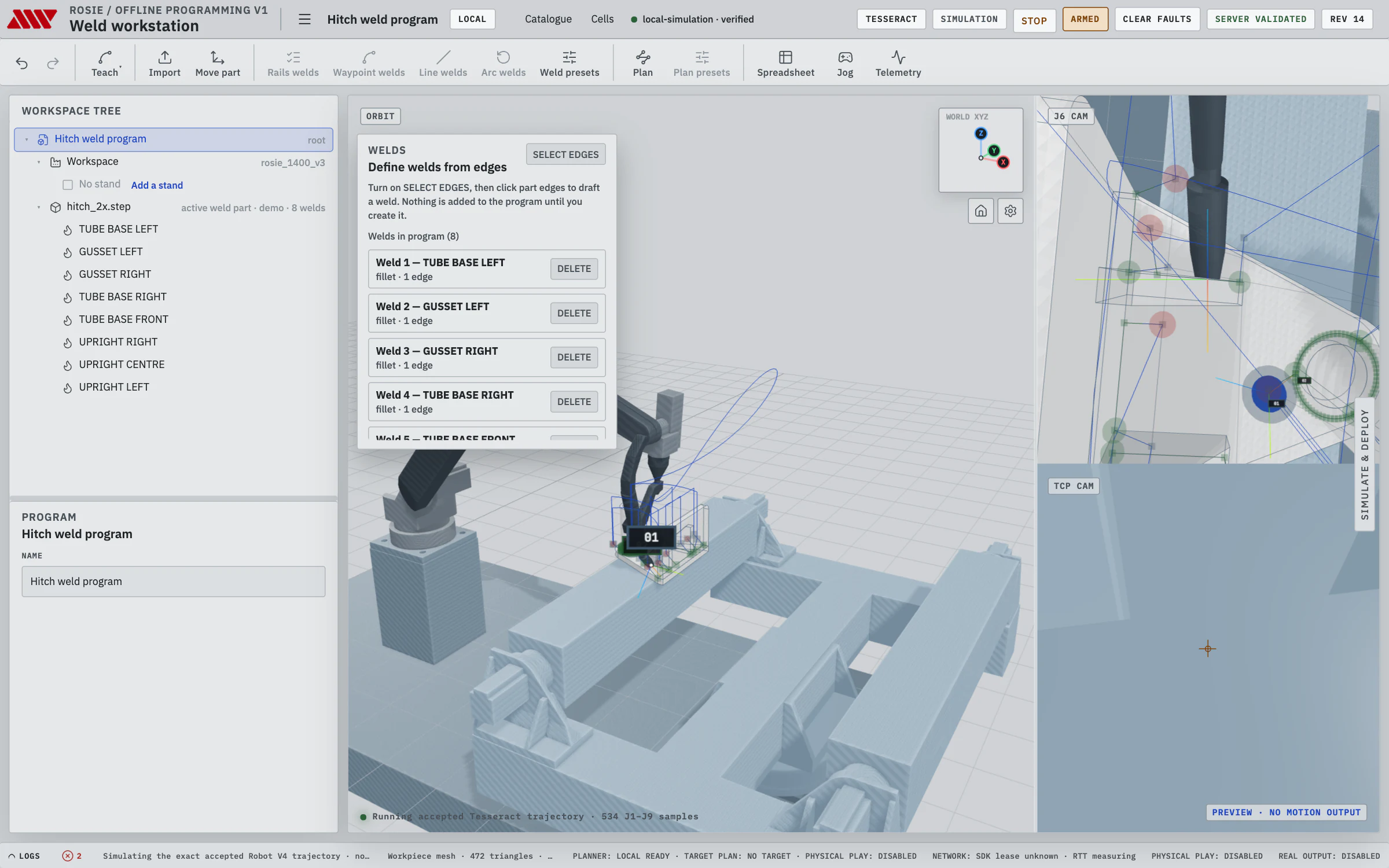
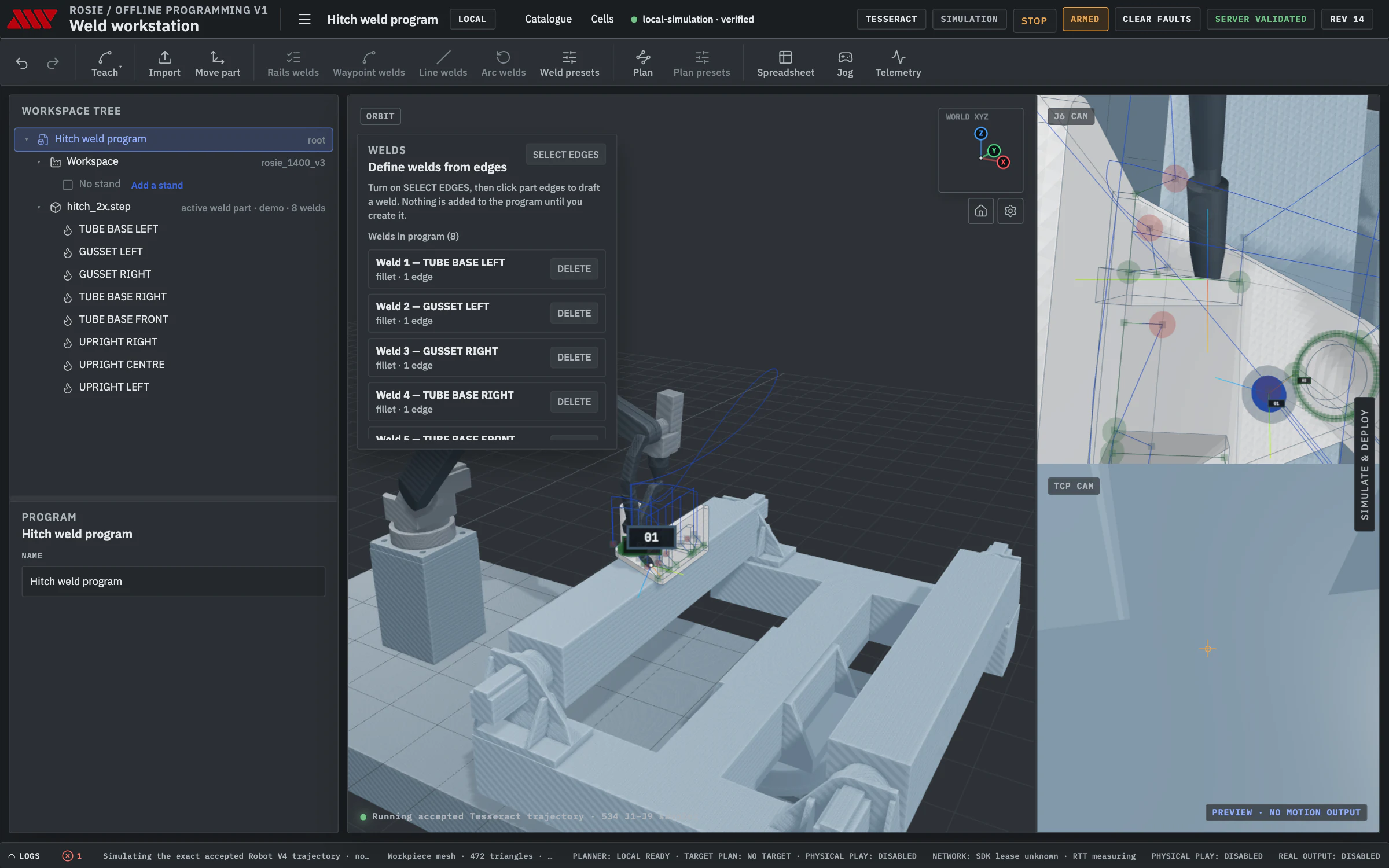
Any task, not just welding.
A program is a line of moves and events. Teach the waypoints, choose how the robot gets to each one, and plan it against the cell. Welding from CAD is one application; handling, tending, palletizing, assembly, dispensing and coating are programs built from the same moves.
Taught moves, no CAD needed.
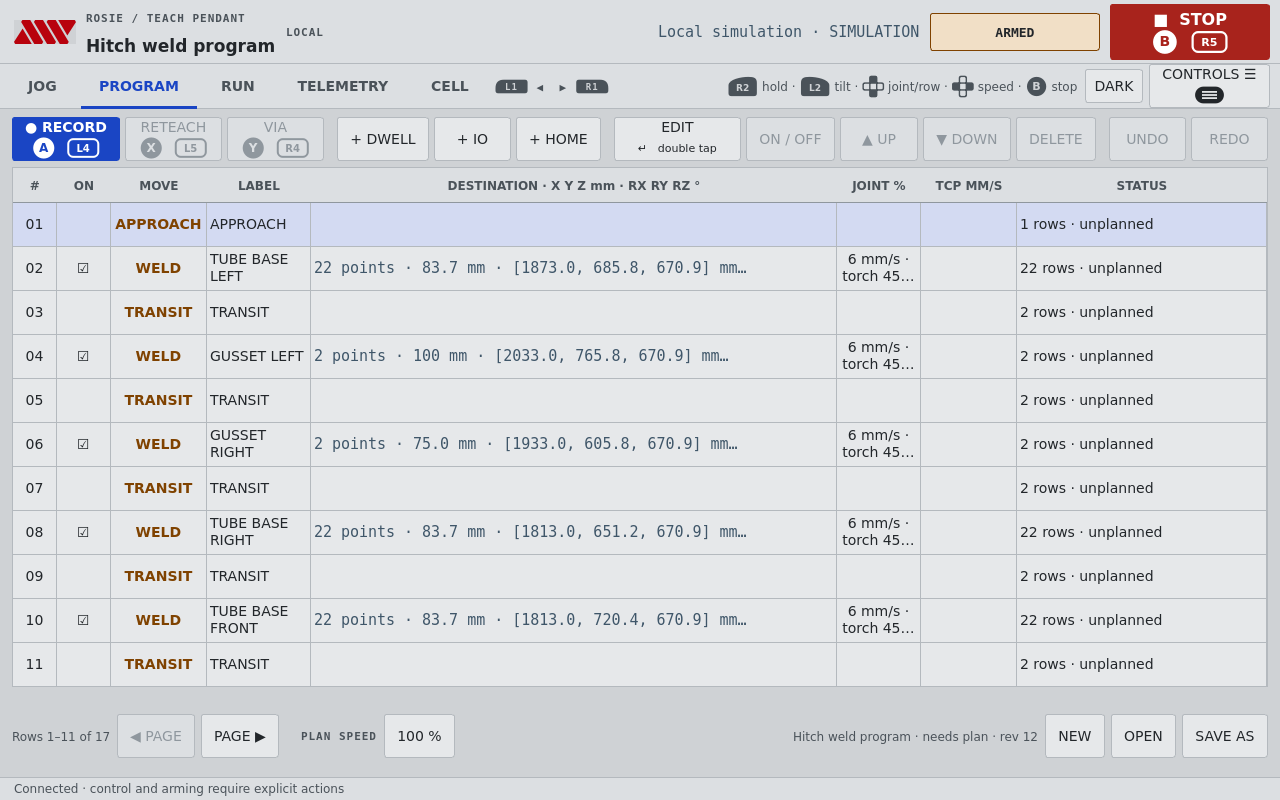
- Record a waypoint from the jogged robot or the preview robot. Reteach replaces it, and Record via adds the pose a circular move passes through.
- Make each waypoint a MoveJ, MoveL or MoveC, with its own joint speed and acceleration limits and, for MoveL and MoveC, a constant TCP speed.
- Add dwell, I/O and Home nodes between moves, and mix taught moves with welds in one program.
- Name every row, and edit its pose in millimetres and degrees or its joint angles.
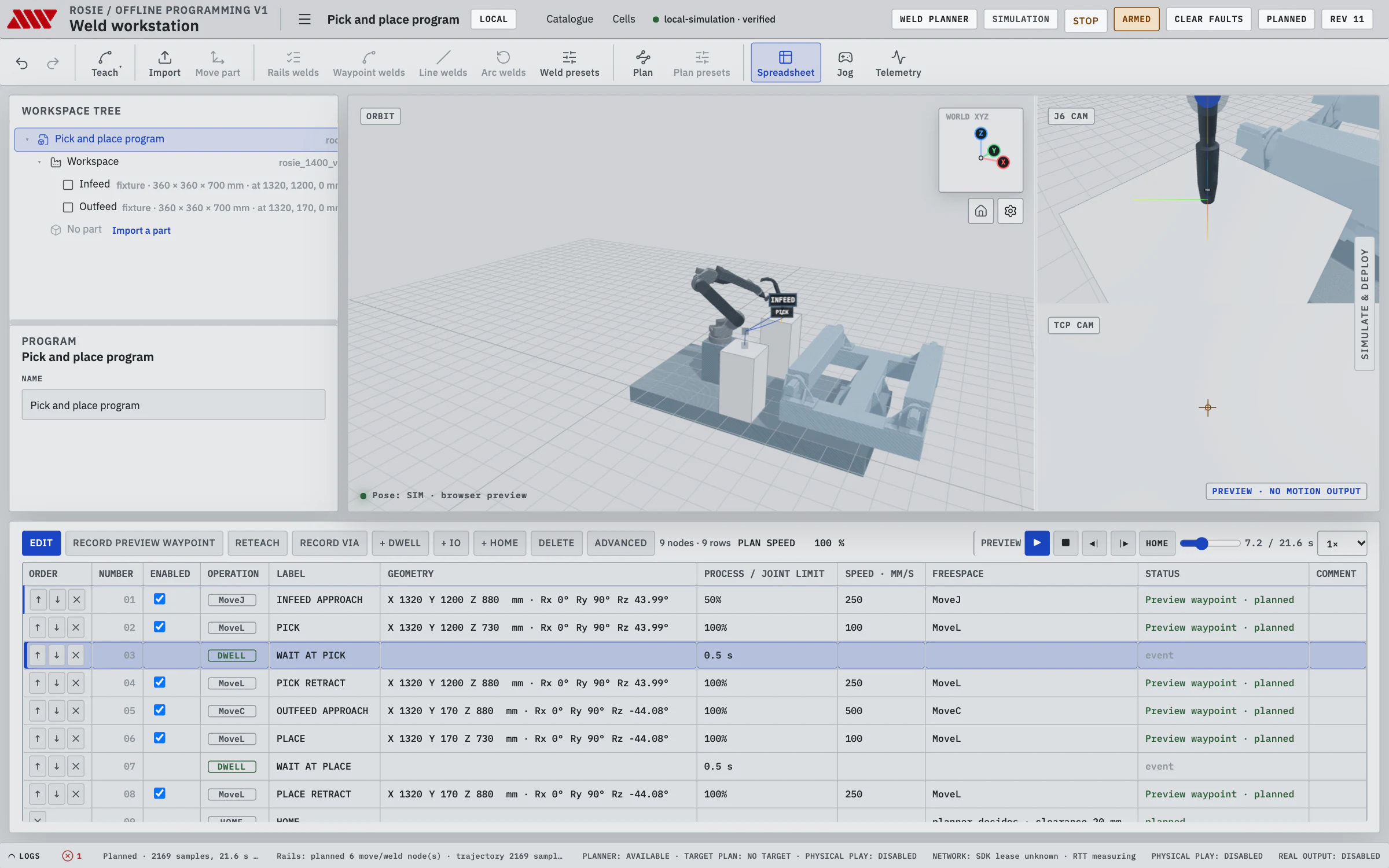
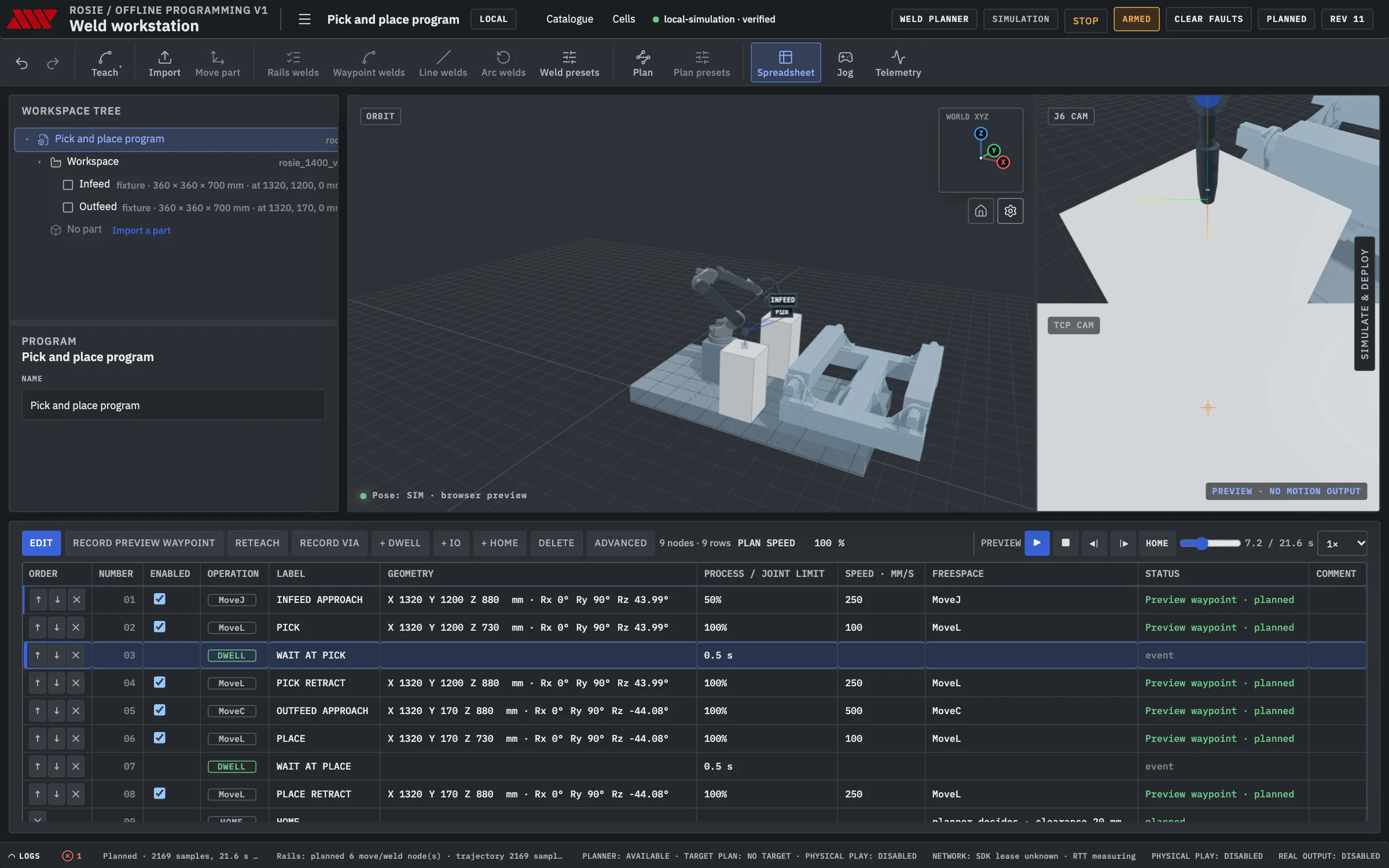
Planned against the cell.
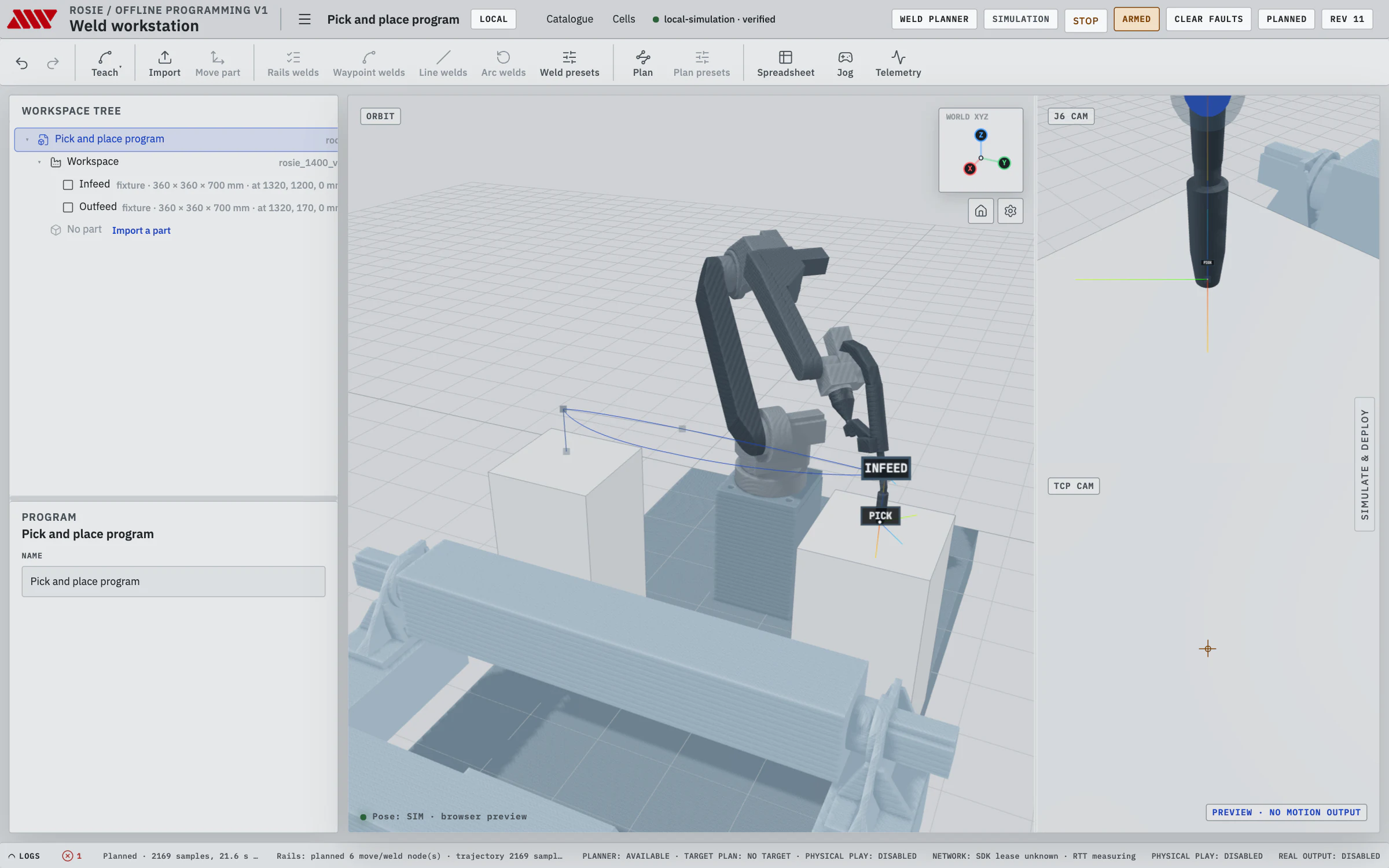
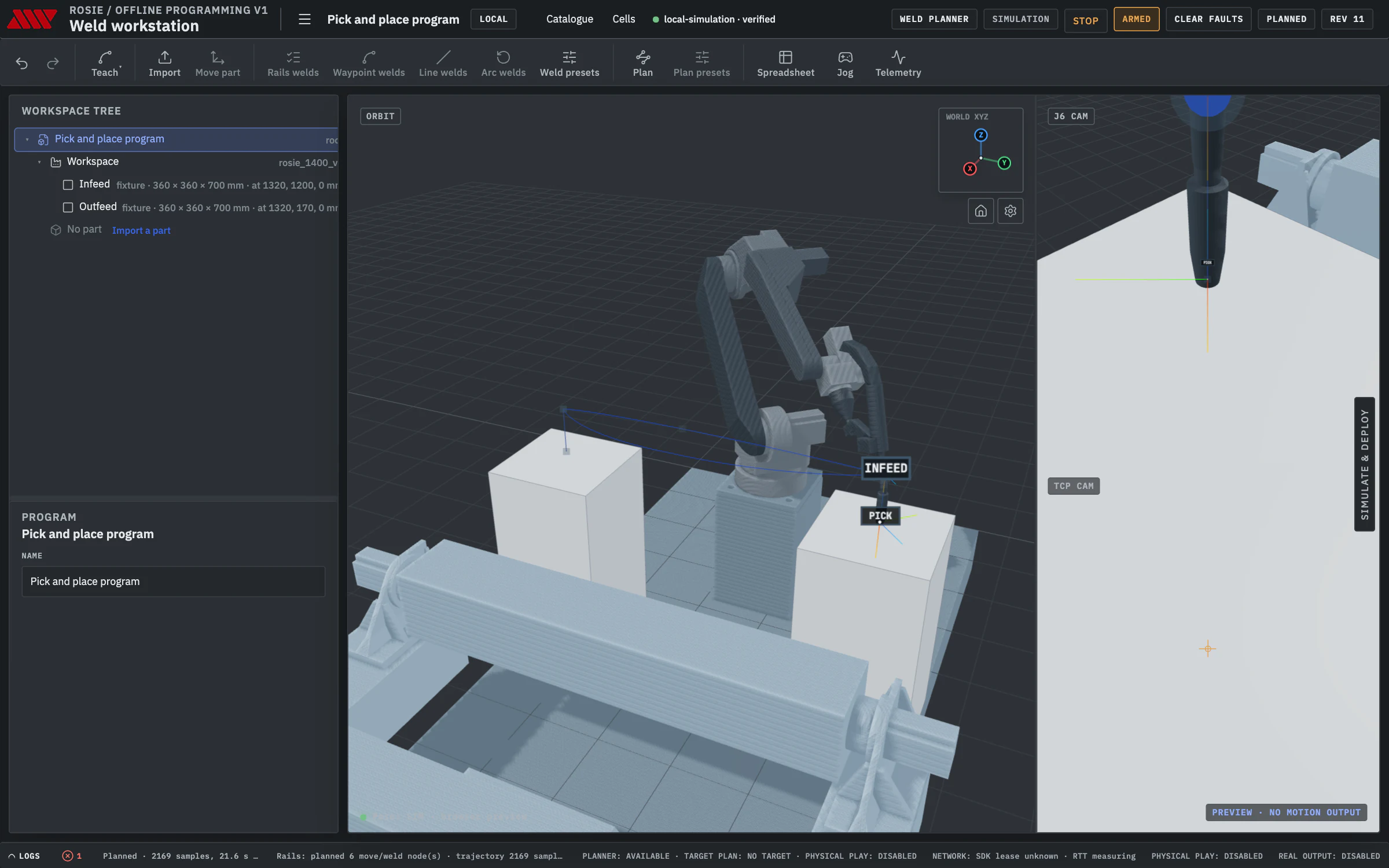
Plan times every move to the robot's joint limits and checks it against the cell, your stands and fixtures, with the same verifier the welds pass. Simulate replays the planned trajectory with the tool path drawn in the cell. On the cell, Go to plan start, Load and Play.
-
 01
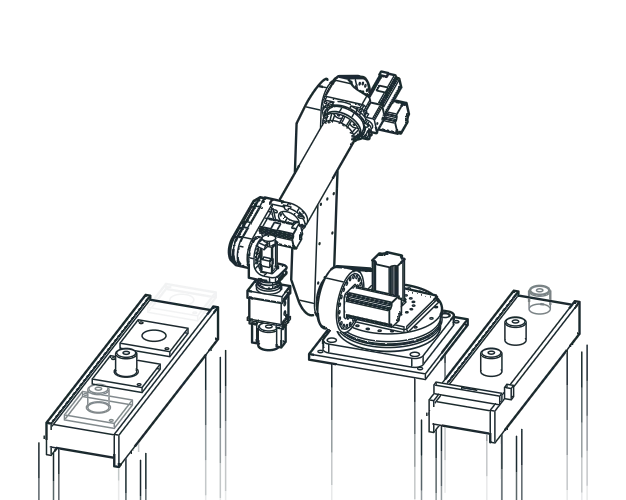
01Pick and place
A MoveJ to the approach, MoveL down and back up, a MoveC across to the next station.
-
 02
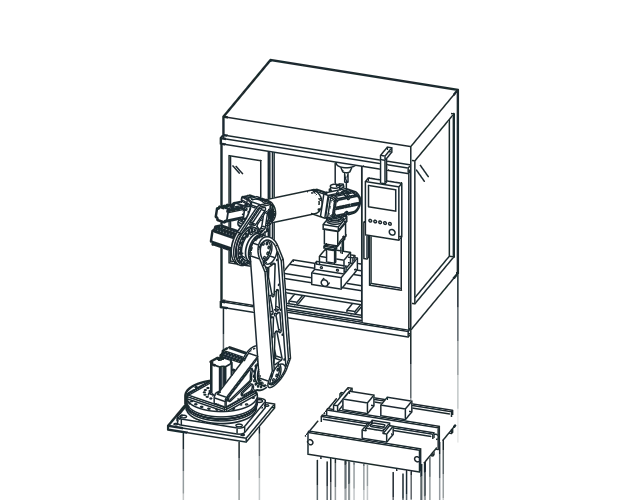
02Machine tending
Taught moves through the machine door to the vise and back out, then Home.
-
 03
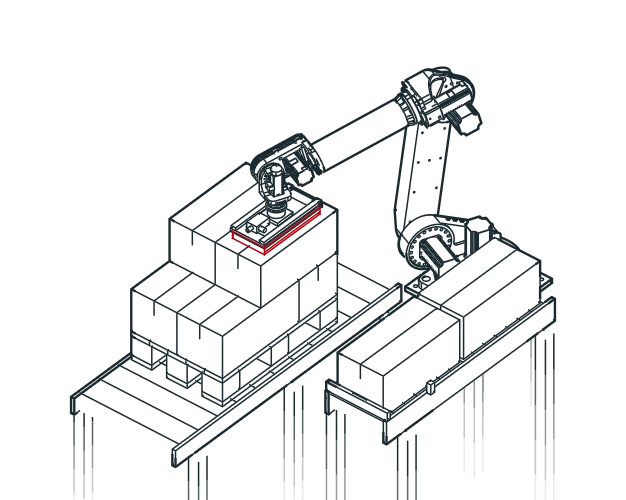
03Palletizing
A taught place for every position in the layer, each a MoveL down from its approach.
-
 04
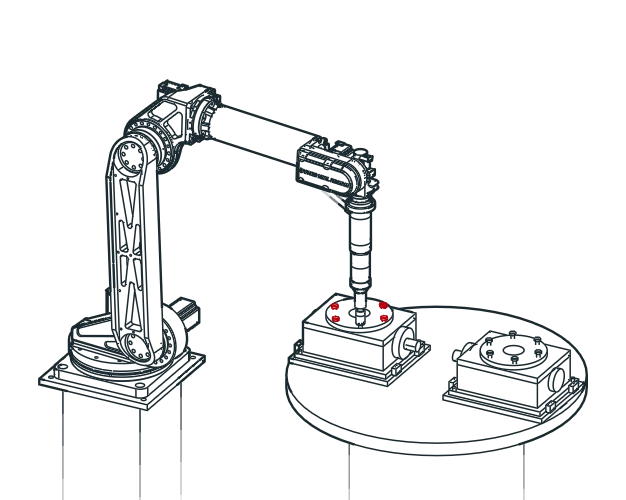
04Assembly
A MoveL to each bolt in a star pattern, a dwell, and a MoveL back out.
-
 05
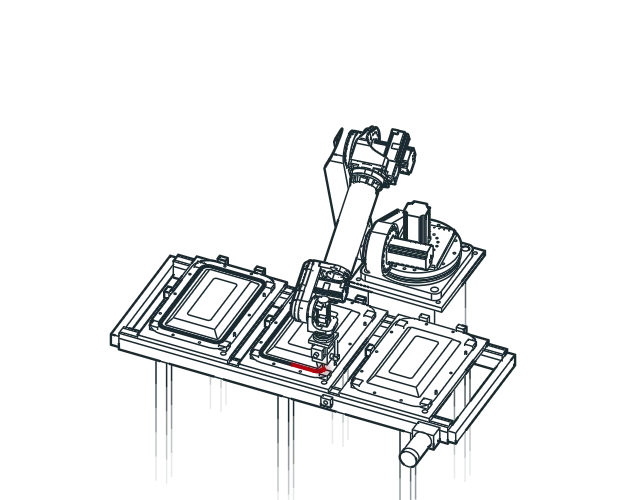
05Dispensing
MoveL along the straights and MoveC round the corners, at a constant TCP speed.
-
 06
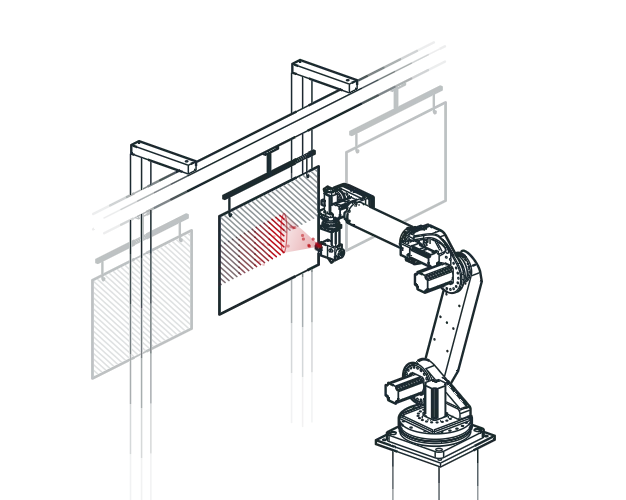
06Coating
Overlapping MoveL passes across the panel at a constant TCP speed.
Process tooling for each job is quoted per application. Processes on Rosie
From a STEP file to a verified weld program.
The whole job happens at your desk. The cell keeps welding while you program the next part. Nothing reaches the robot until the plan has passed its checks, and you can watch it run in simulation first.
- 01
Import and place
Import one or more STEP parts, each with its own placement and welds. Add fixtures and stands from STEP files, then drag the part into place on the cell.
- 02
Pick the welds
Click an edge of the part. OLP matches it to a detected seam and searches the torch angles in both directions. Accept the weld, or trim it to the stretch the torch can reach.
- 03
Plan and verify
The weld planner plans every weld and the moves between them. The verifier checks each segment against the cell, the part, your fixtures and the joint limits before a trajectory is written.
- 04
Simulate and run
Replay the exact trajectory the cell would play, from 1× to 16×. Then home, arm, load and play it on the cell, with a dry run first if you want one.
Every move is a row you can read and edit.
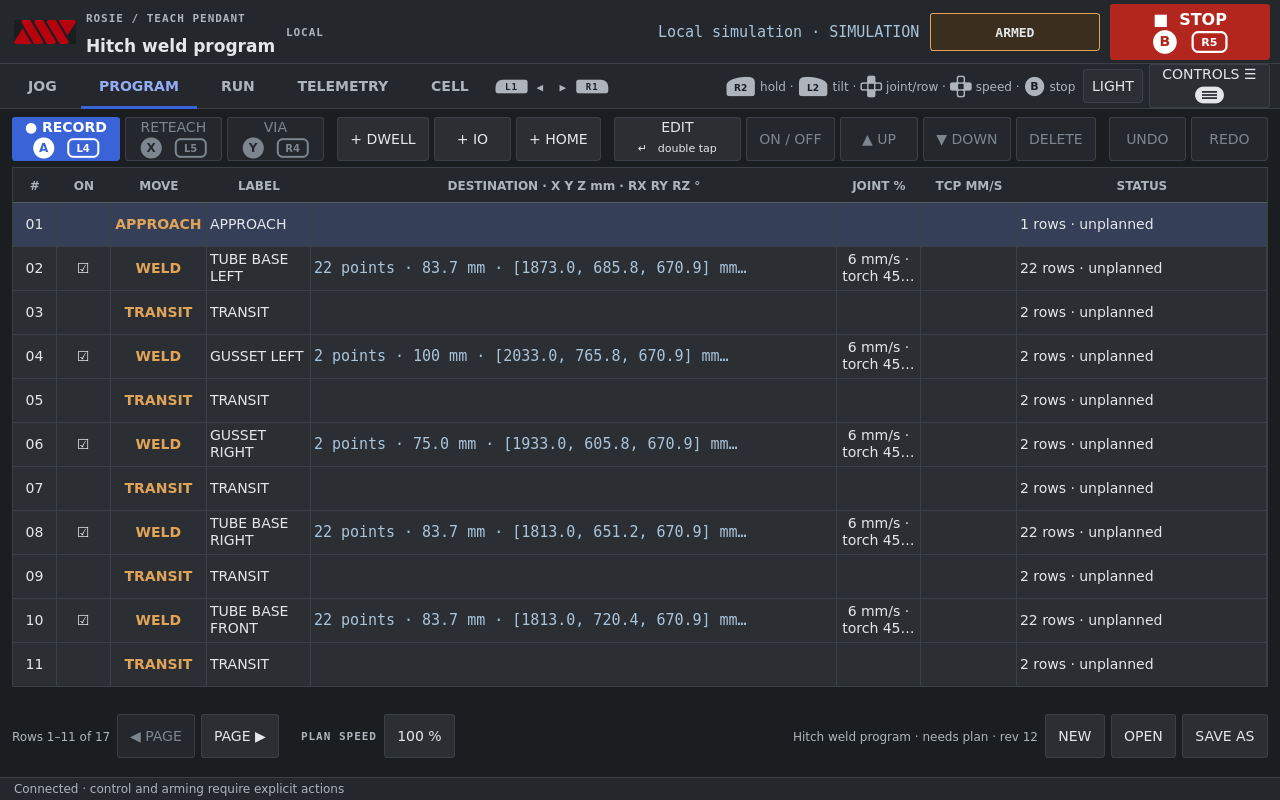
The program is a spreadsheet of nodes: welds with their approach and retract, transits, taught moves, dwells, I/O events and Home. Open any row to edit its pose, speed and process in millimetres and degrees, with undo and redo over every change.
- Teach waypoints from the live robot: MoveJ, MoveL and MoveC through a recorded via point.
- Weld presets for process, speeds, electrical settings, torch angles and weave.
- Validation checks in plain words above the table, before you plan.
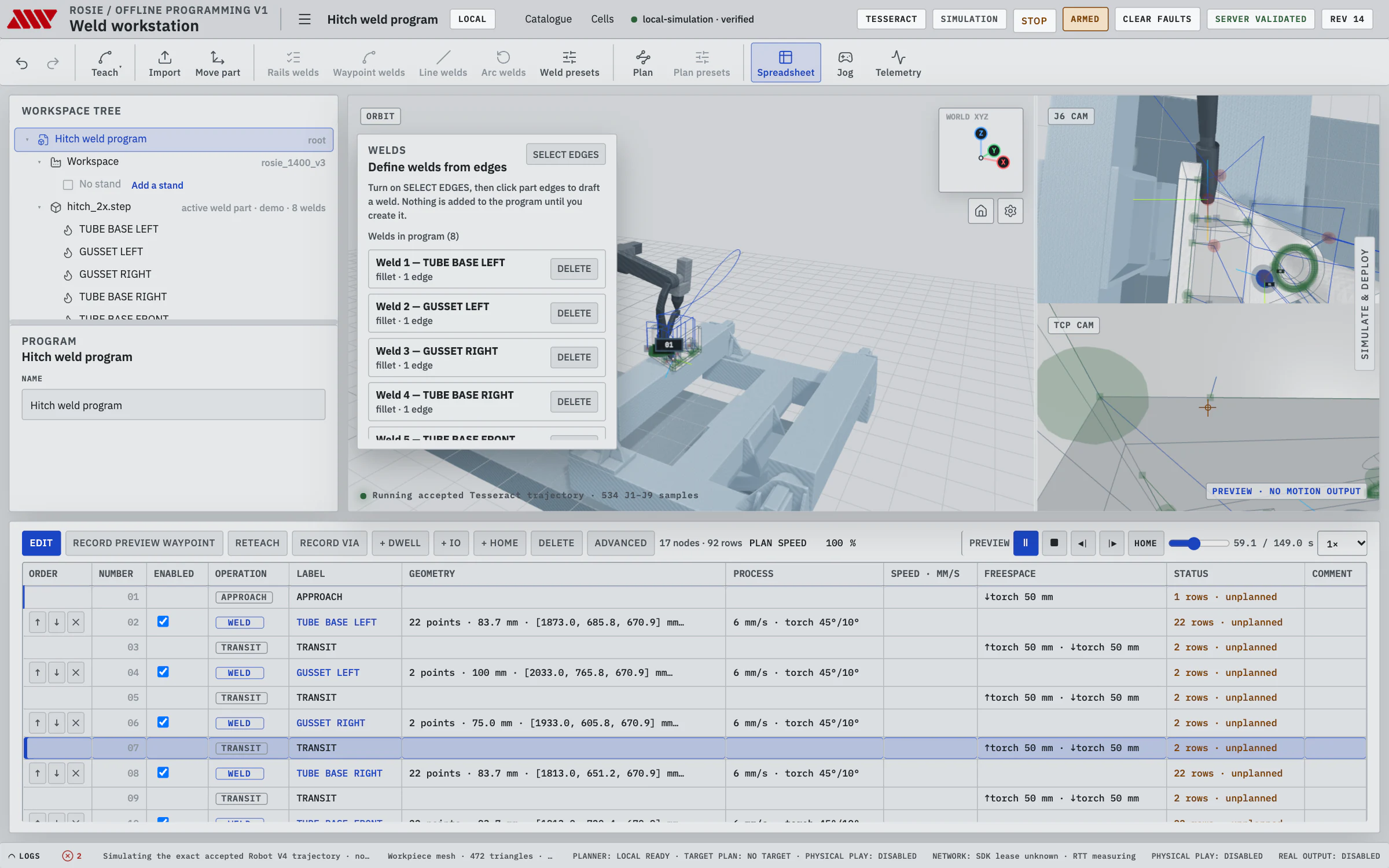
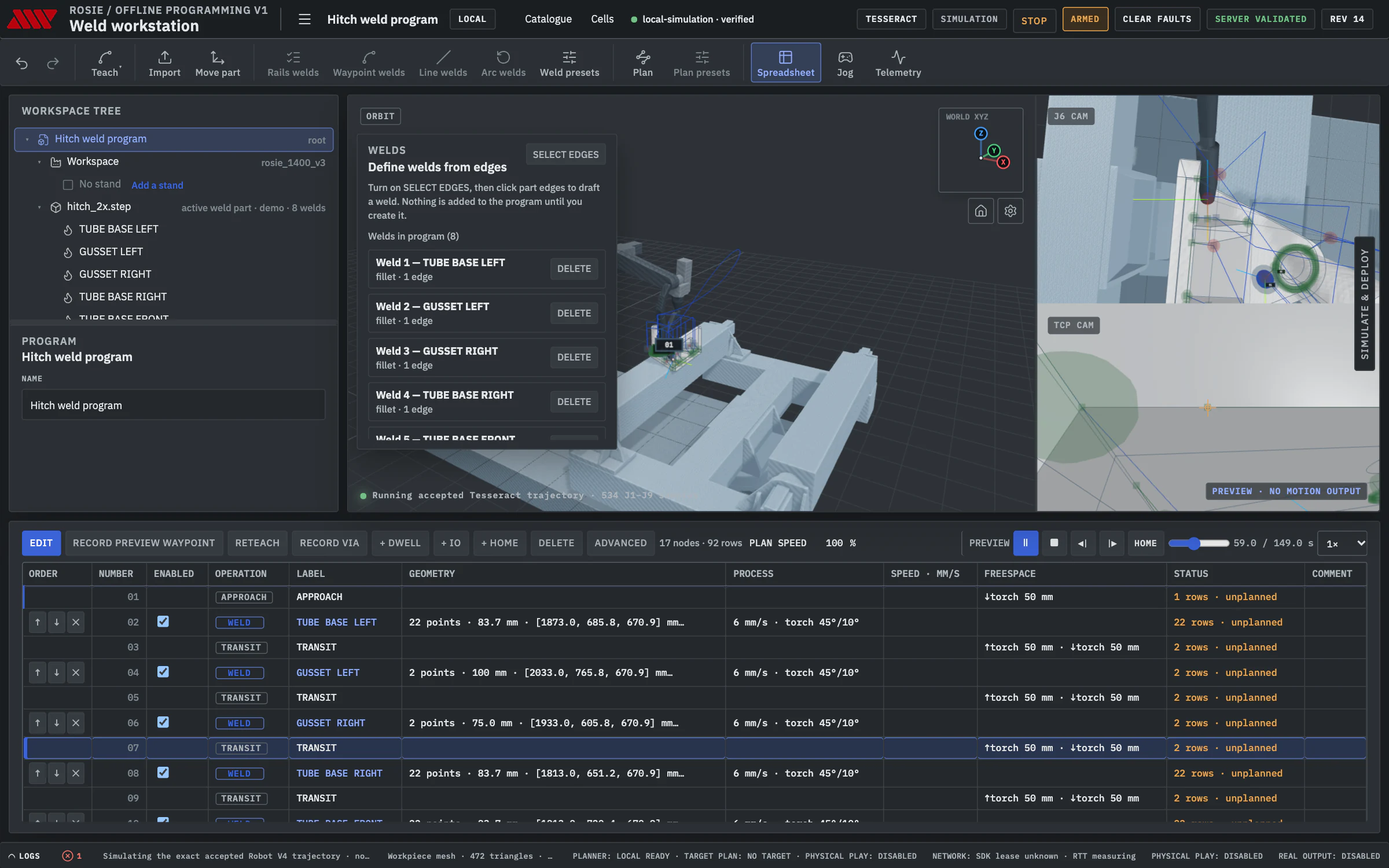
Weld presets
New welds start from a preset: process, travel, approach and retract speeds, electrical settings, work, travel and spin angles, and weave. Edit one weld or the preset every new weld uses.
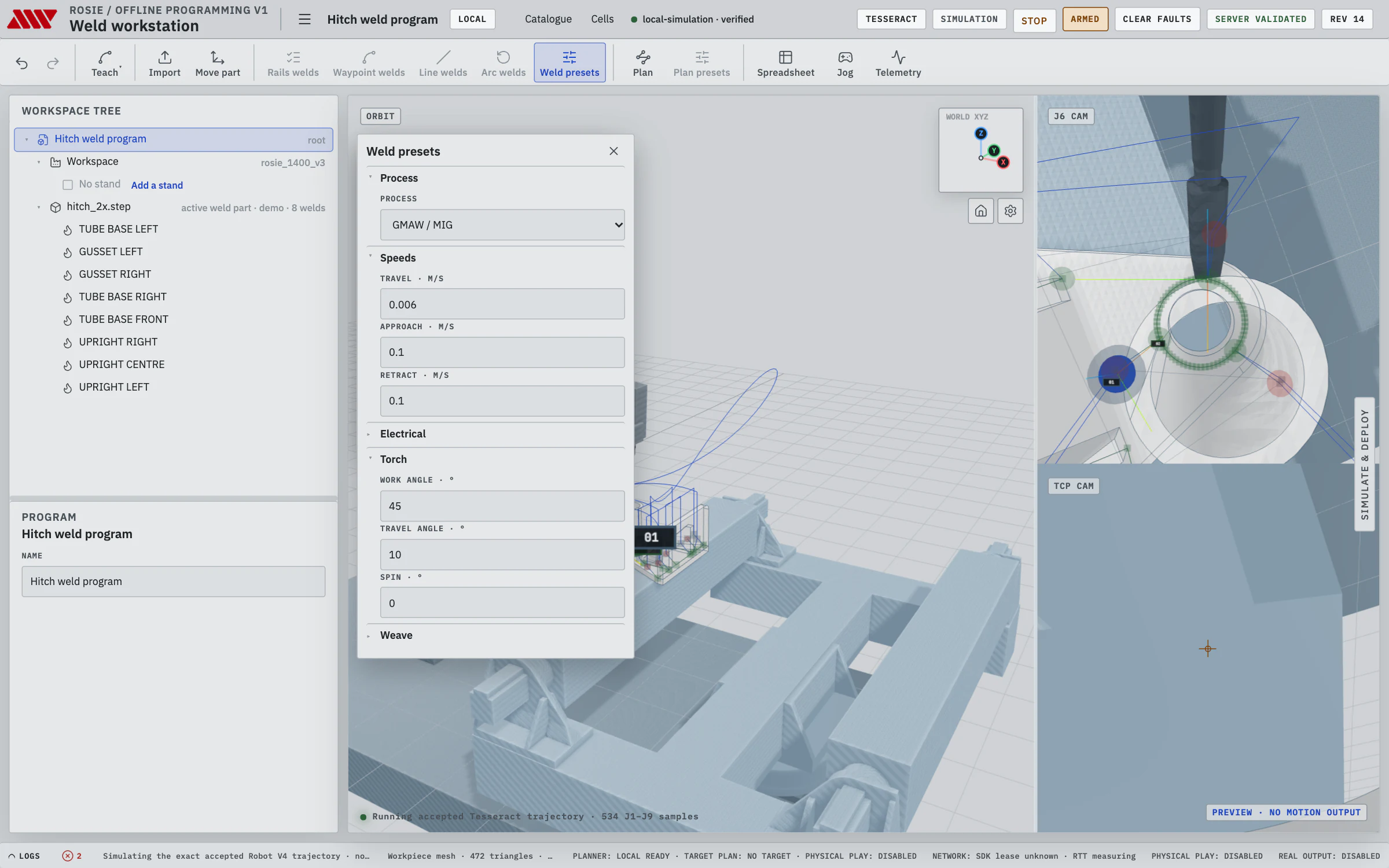
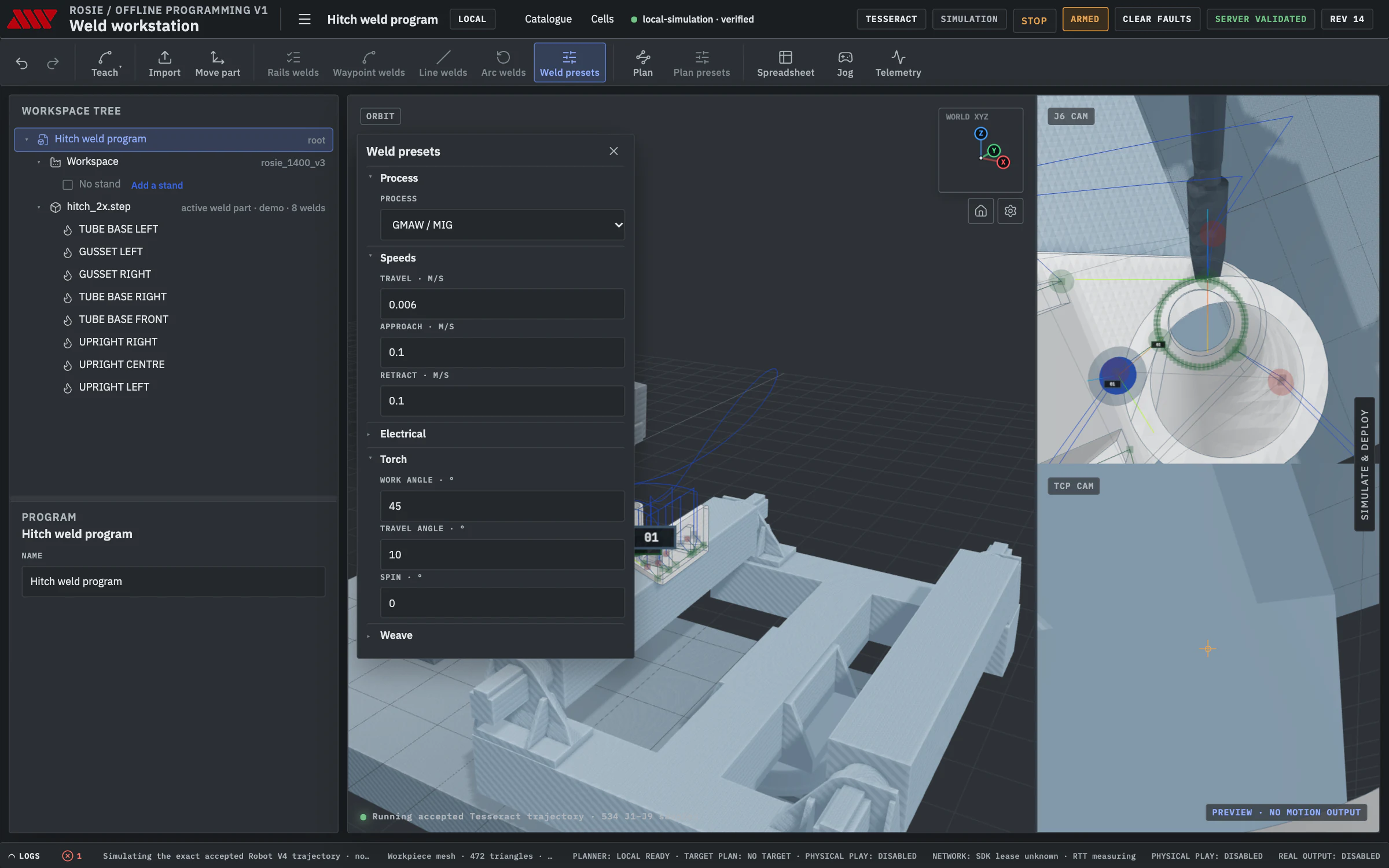
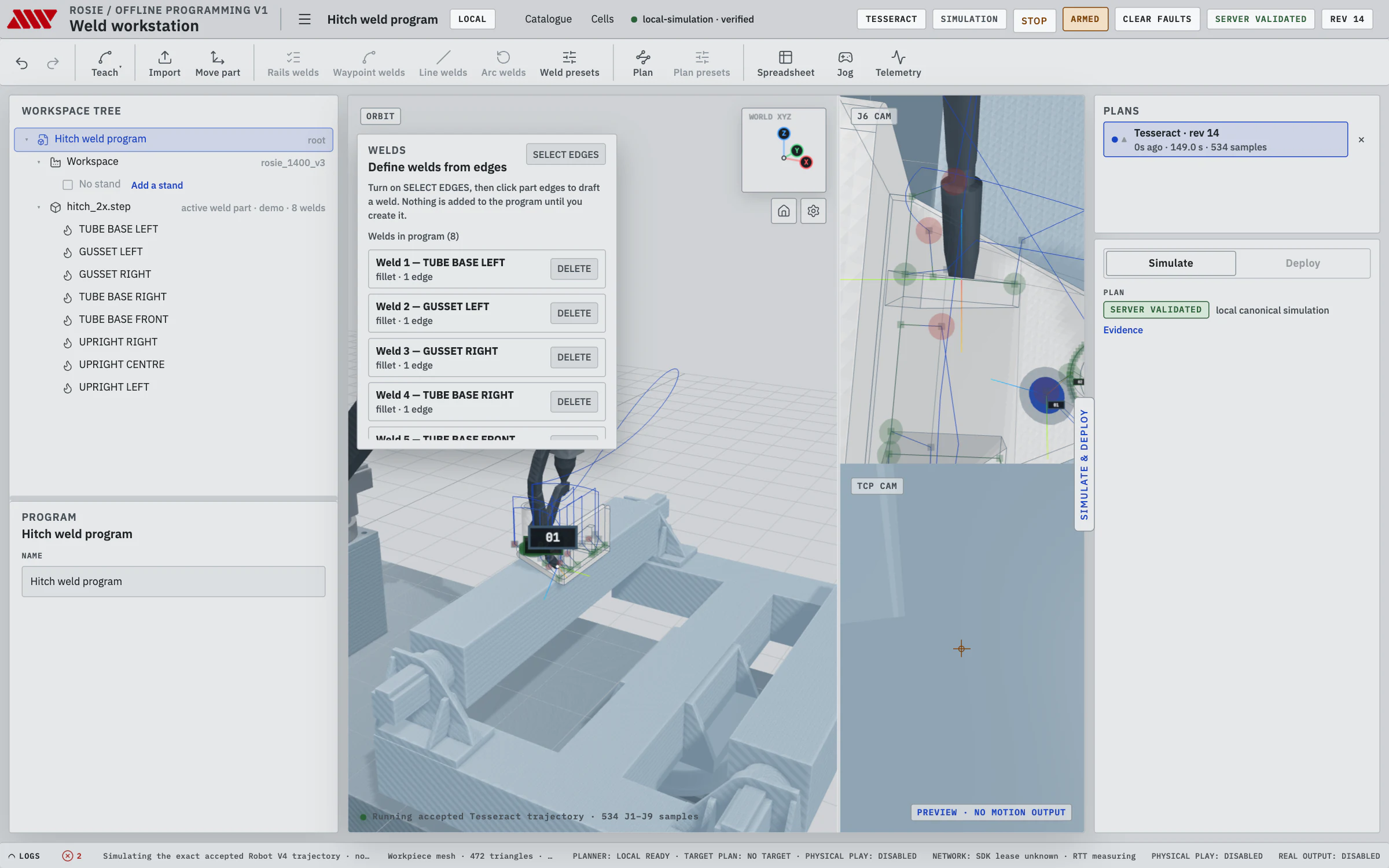
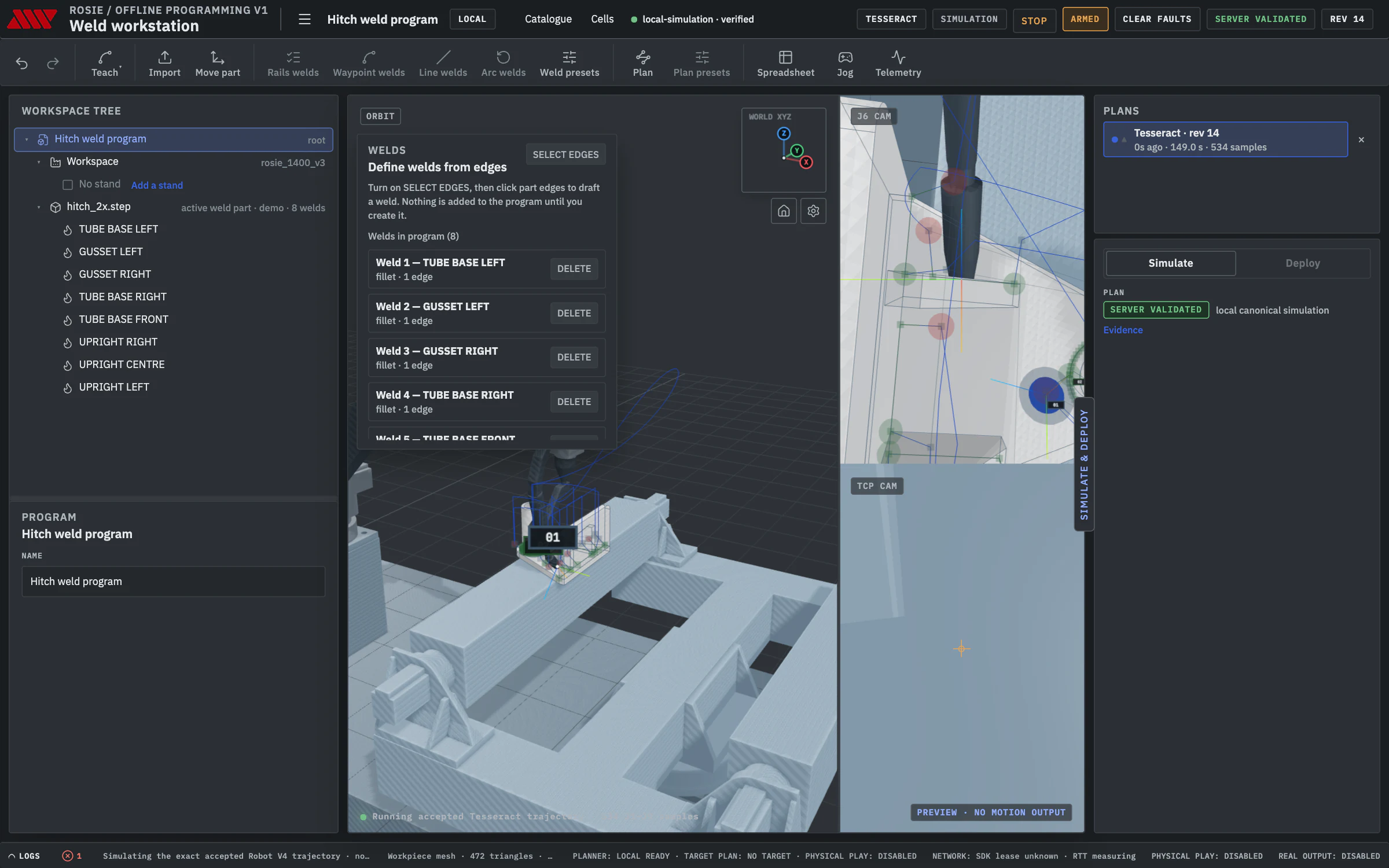
Watch the exact trajectory before the robot moves.
Simulate replays the planner's own trajectory, the same bytes the cell will play, with the TCP path drawn on the part and the J6 and TCP cameras beside it. Every plan is kept with its evidence, and a refusal names the joint, the limit or the bodies in contact.
Deploy takes the same plan to the cell: Home, Arm, Go to plan start, Load and Play, with Stop on screen the whole time. Load refuses a trajectory made for a different robot description or cell calibration.
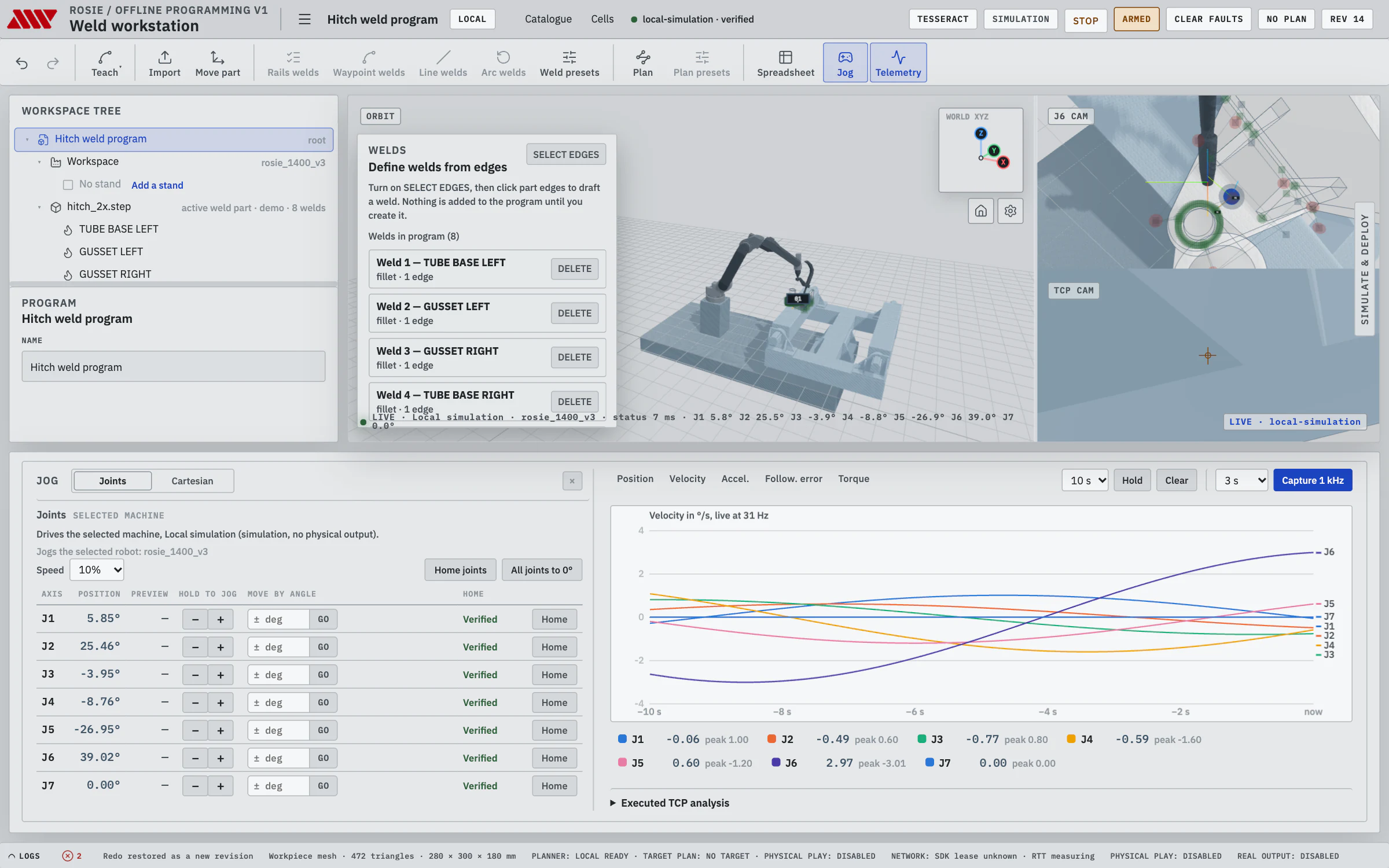
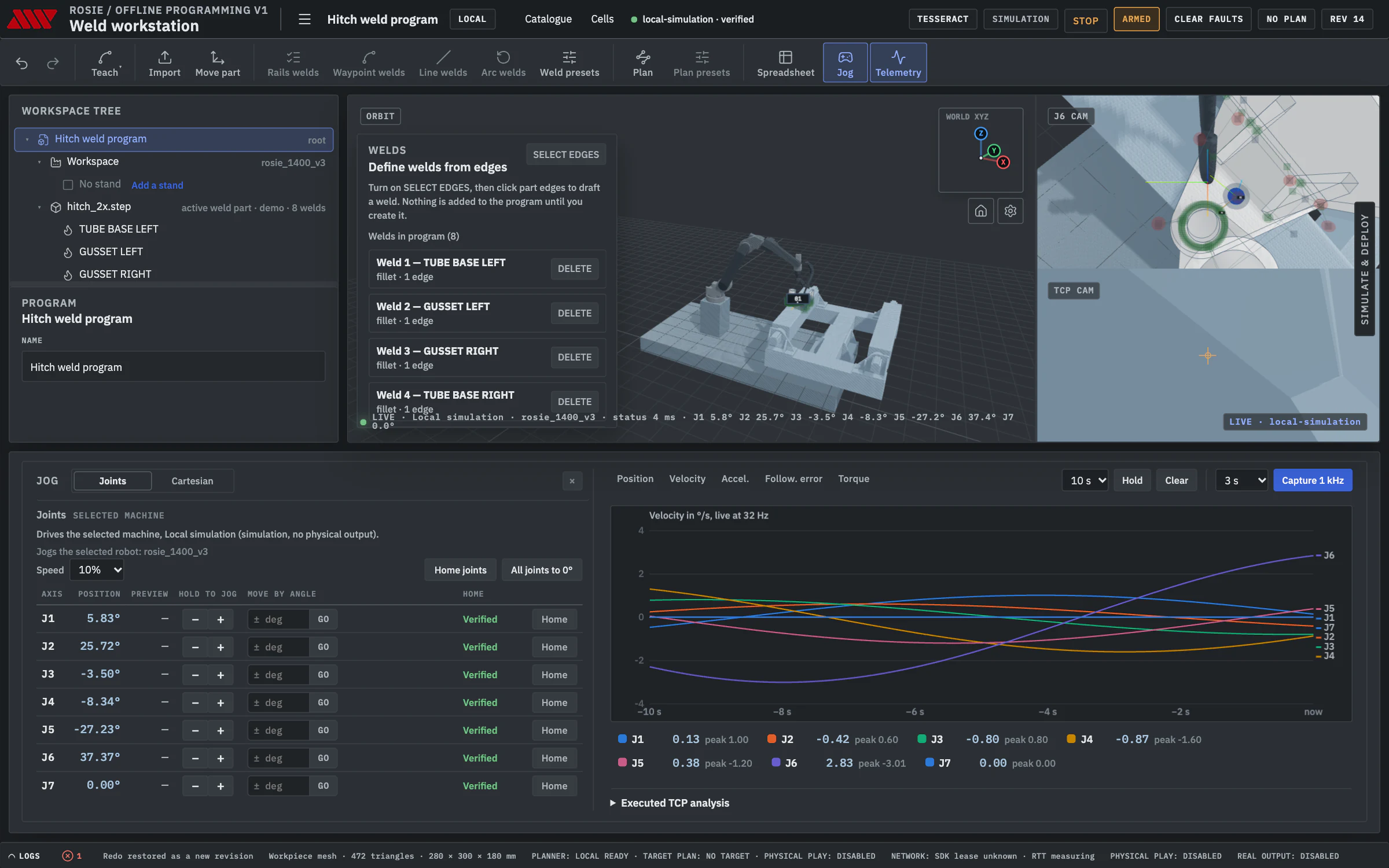
Jog it, watch it, measure it.
Choose a cell from the Cells menu. Connecting verifies the cell's identity and never arms it. Jog joints or the tool in base or tool frame, and the 3D view follows the live robot.
- Joint and Cartesian jog, with Home and move by angle.
- Live position, velocity, acceleration, following error and torque for every joint.
- Capture the last seconds of the controller's 1 kHz ring, and the executed TCP path for analysis.
- Cells that other OLP servers advertise on your network, listed for you to add.
The same program, in your hands.
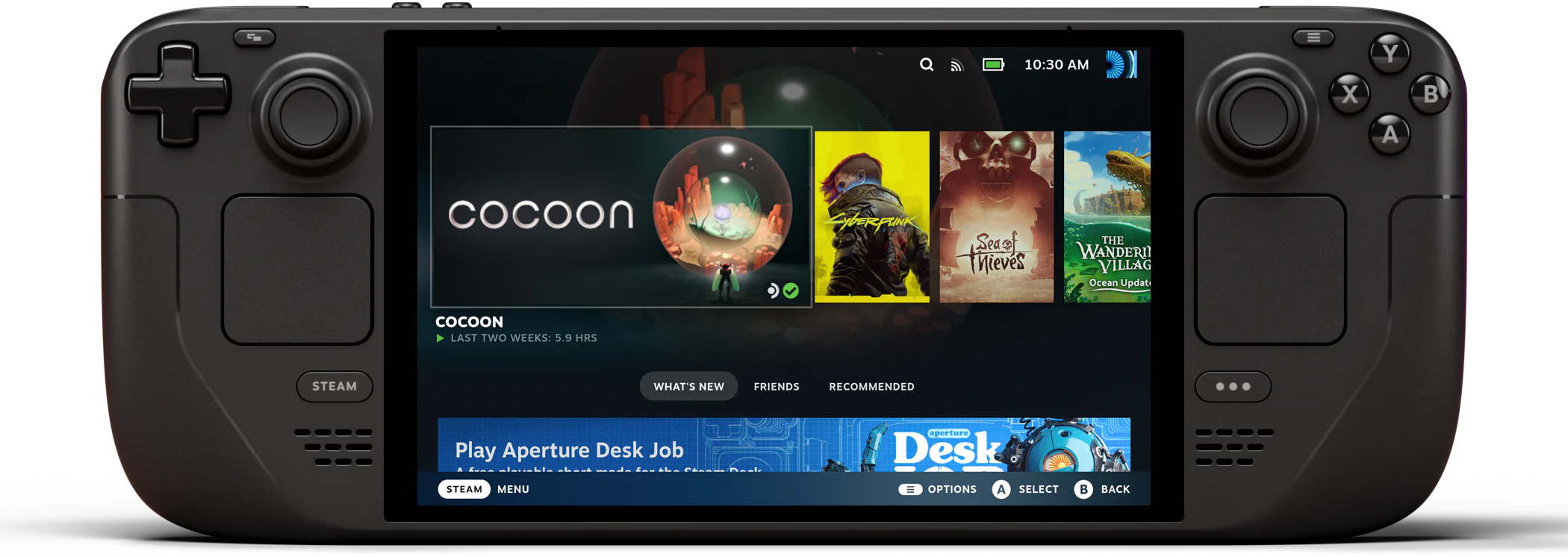
The Steam Deck teach pendant runs offline programming's own program logic, so it edits the same programs: record and reteach rows at the robot, plan, preview and run them. The pendant on Rosie
Open source, all of it.
Offline programming is part of RosieOS, under Apache 2.0. Read it, change it, run it on your own machines, and build your own tools on the same API it uses.
The software
- Licence
- Apache 2.0
- Source
- RosieOS on GitHub
- App
- Your browser
- Server
- Linux x86-64 or WSL2
- Planning
- Weld planner, NVIDIA GPU
Open formats
- Programs
- Documented JSON, with a schema
- Plans
- .weldplan, exportable
- API
- Documented HTTP API
- Same program in
- OLP, the pendant, the weld planner
- Unlock fees
- None
Try it on a simulated cell.
The quickstart starts a simulated Rosie cell on your own machine and jogs it from offline programming. No robot needed.
We'll program it in OLP and show you the plan.